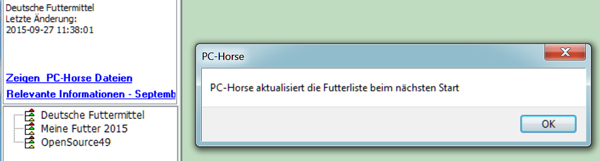
Feature active in version: PROFESSIONAL CONSULTANT
For professional users who often close and restart PC-Horse you can select to temporarily pospone the download of new data from our feed database. Go to the main menu, Configurations, and select "Quick Start".
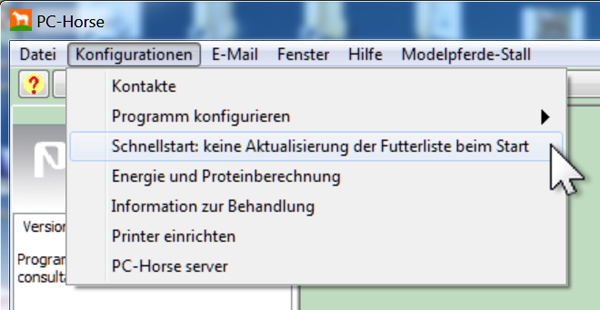
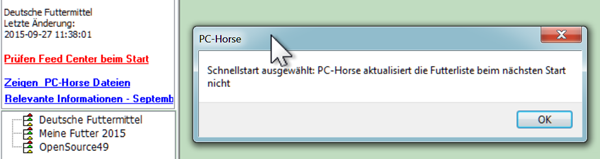
A dialog box will confirm your choice. A red link will remind you that you have disabled the automatic synchronization with the feed center.
Clicking the link will activate automatic download again.
Under Preferences you can do the same thing.
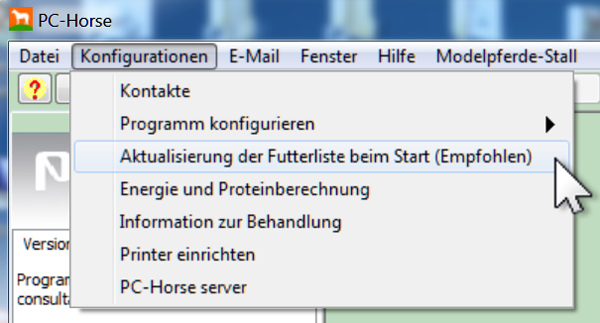
A dialog box confirms that you have re-enabled synchronization of your feeds. The red link disappears.