





Plan a treatment
Use the Treatments feature to plan treatments for any of your horses:
1. Double-click the type of treatment you want for your horse from the "List of treatments" box. Creating new and unlisted treatment types is dealt with in the "New treatment name" tab below.

2. Select either a planned or a completed treatment.

3. The treatment window opens and you may now adjust your choice and complete it with your own information
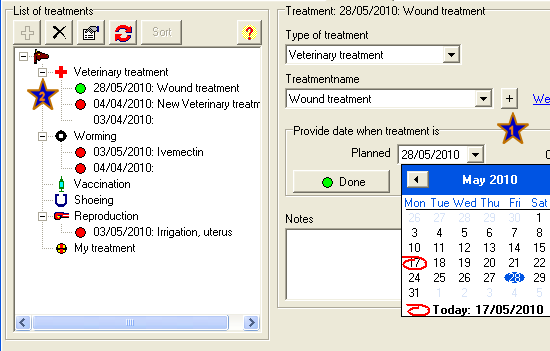
When saved, your treatment will be shown as planned or completed (done) in the information window.
GREEN = Planned treatment more than X days ahead
YELLOW = Planned treatment within X days
RED = Planned treatment is overdue
NONE= Treatment is completed
The default link creates a Google search. Use the information field to add useful links or information.


